YOUTUBE THUMBNAILS FREE BETA
Your channel style, locked in
No design skills, no designer, no subscription. Set your channel's style once, paste a video title and get six ready thumbnails that look like you – not like a random AI image.

Sound familiar?
Good videos, weak thumbnails
You're good at making videos – not at Photoshop. And every option for getting better thumbnails costs either time, money or your face.
You're not a designer
Hours in Canva, and it still doesn't look like the channels you admire. Meanwhile the next video is waiting.
Designers cost and wait
Around $18 and four days per thumbnail on Fiverr. That adds up fast – and holds back your upload schedule.
AI tools don't look like you
Plastic skin, extra fingers, a face that isn't quite yours – and a subscription with credits that expire.
How it works
Three steps, then it's just titles
You design your channel's look once. After that, every new video is a title and a click.
Set your style
Pick a layout and colors – or upload your logo and get matching colors. Add a photo of you (the background is removed automatically), or skip the face and use a still from your video.
Paste your title
Get six thumbnails with short, punchy headlines. Change any word, add icons, flip which side you stand on.
Pick and download
Preview them at phone size – the way viewers actually see them – and download a ready 1280×720 image.
One style, every video
Viewers learn to recognise you
Same layout, same colors, same you – only the headline changes. That's how bigger channels build a look people click on without thinking.
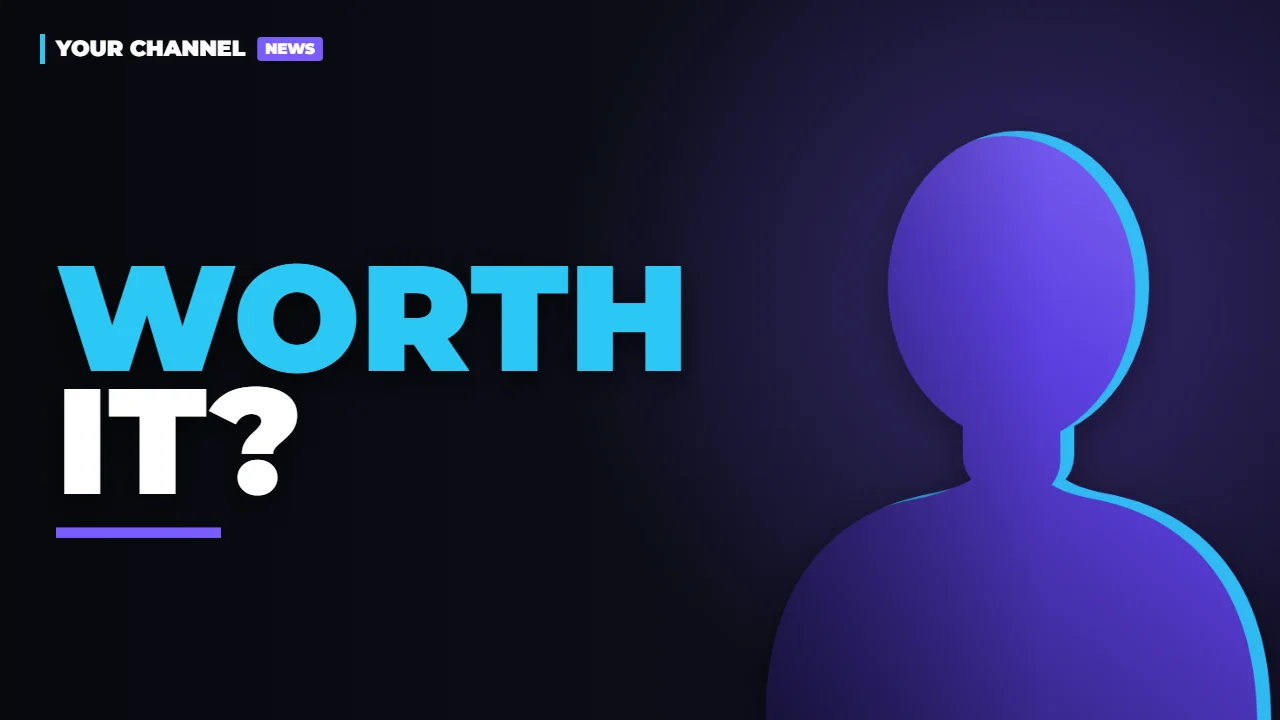
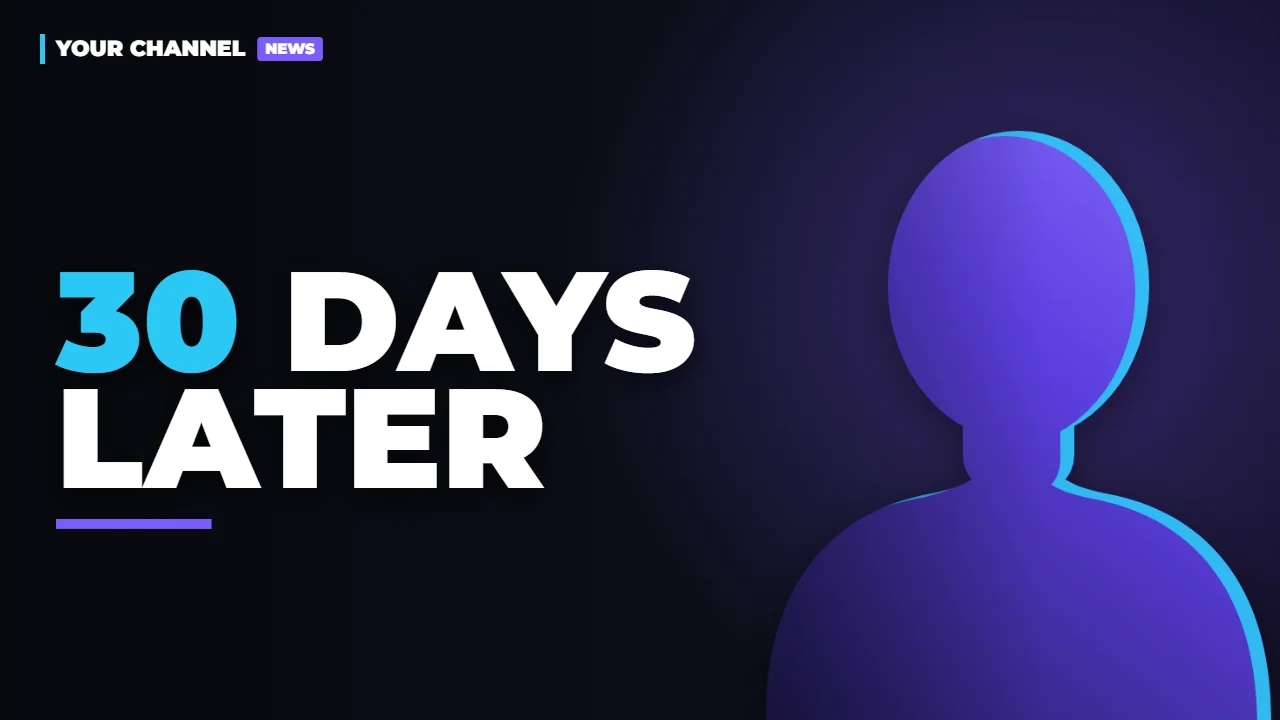
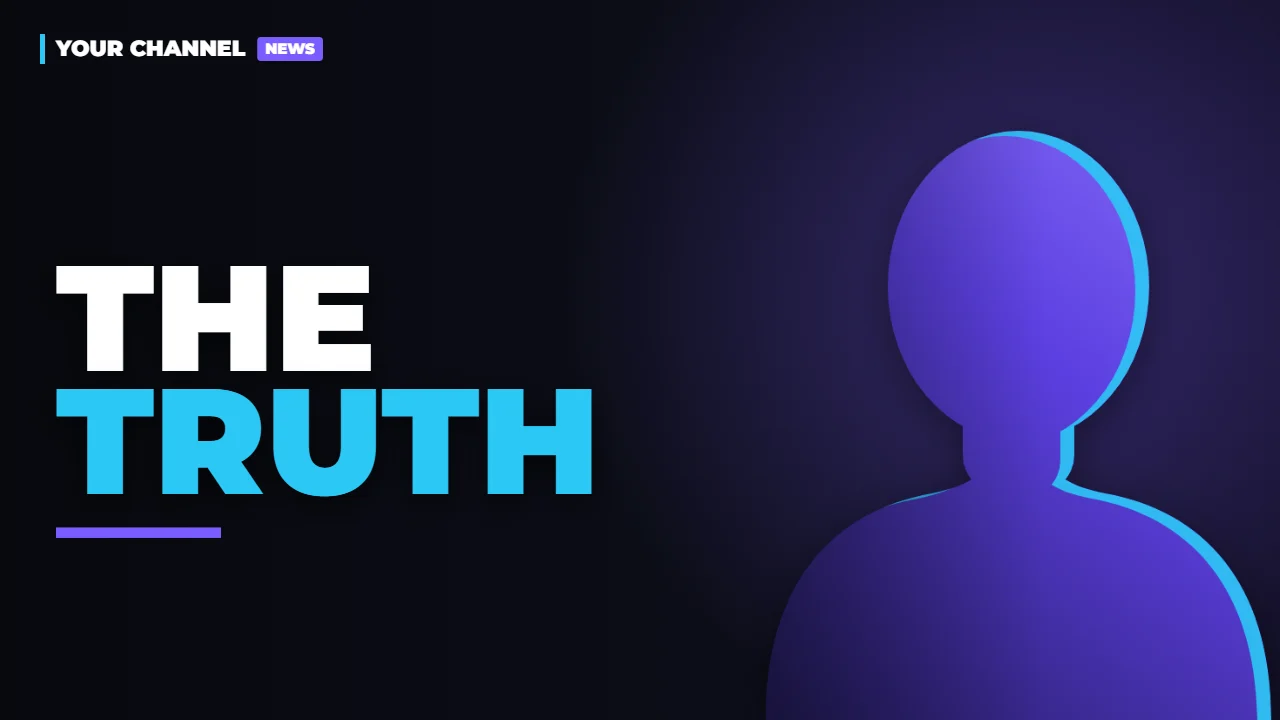
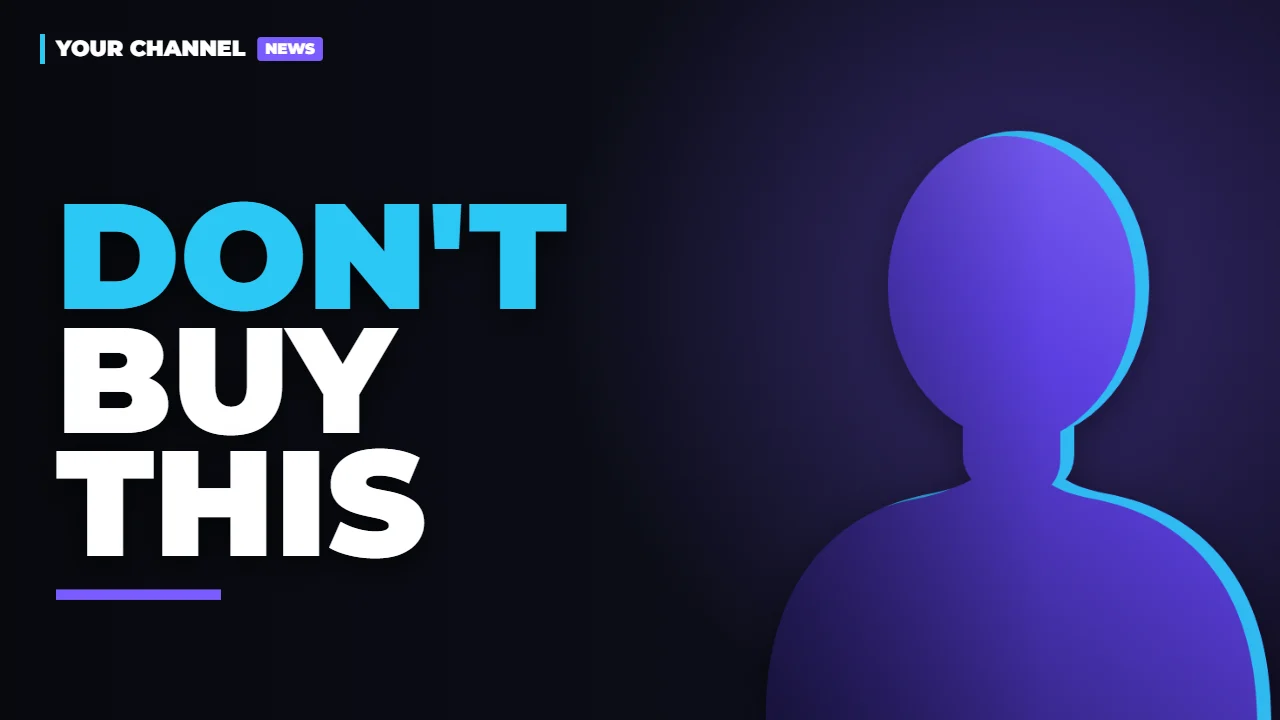

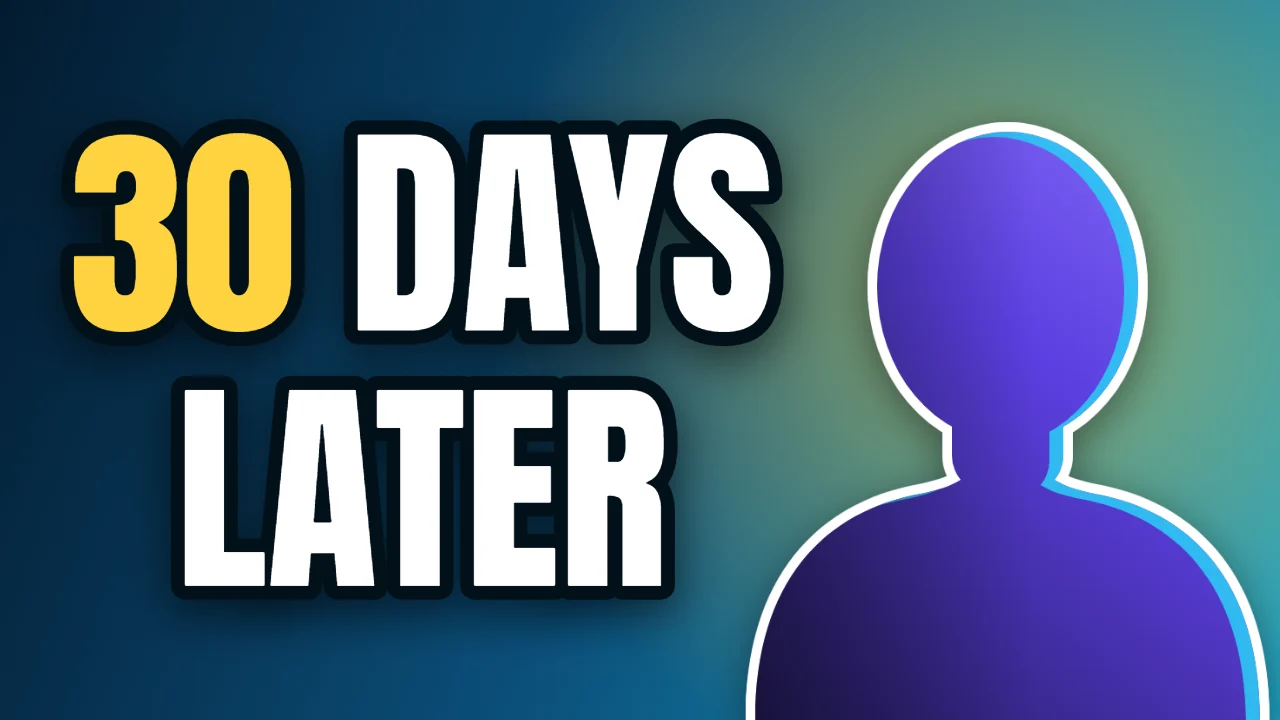
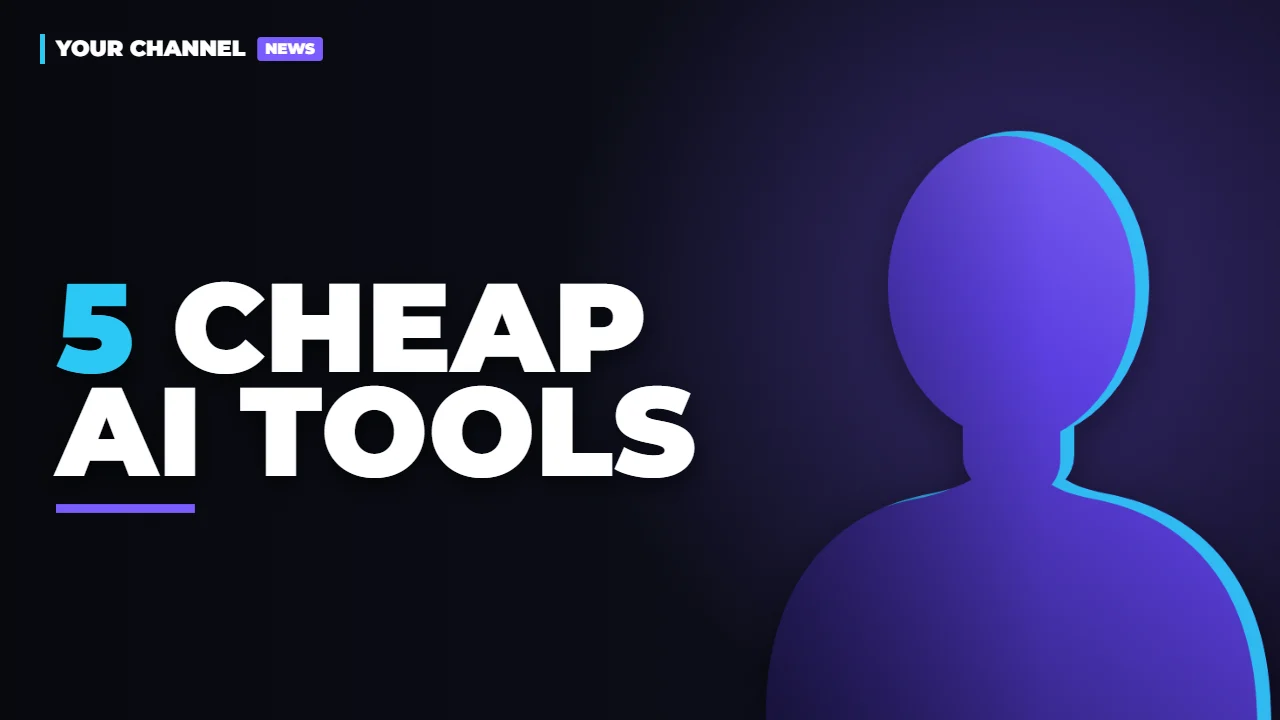
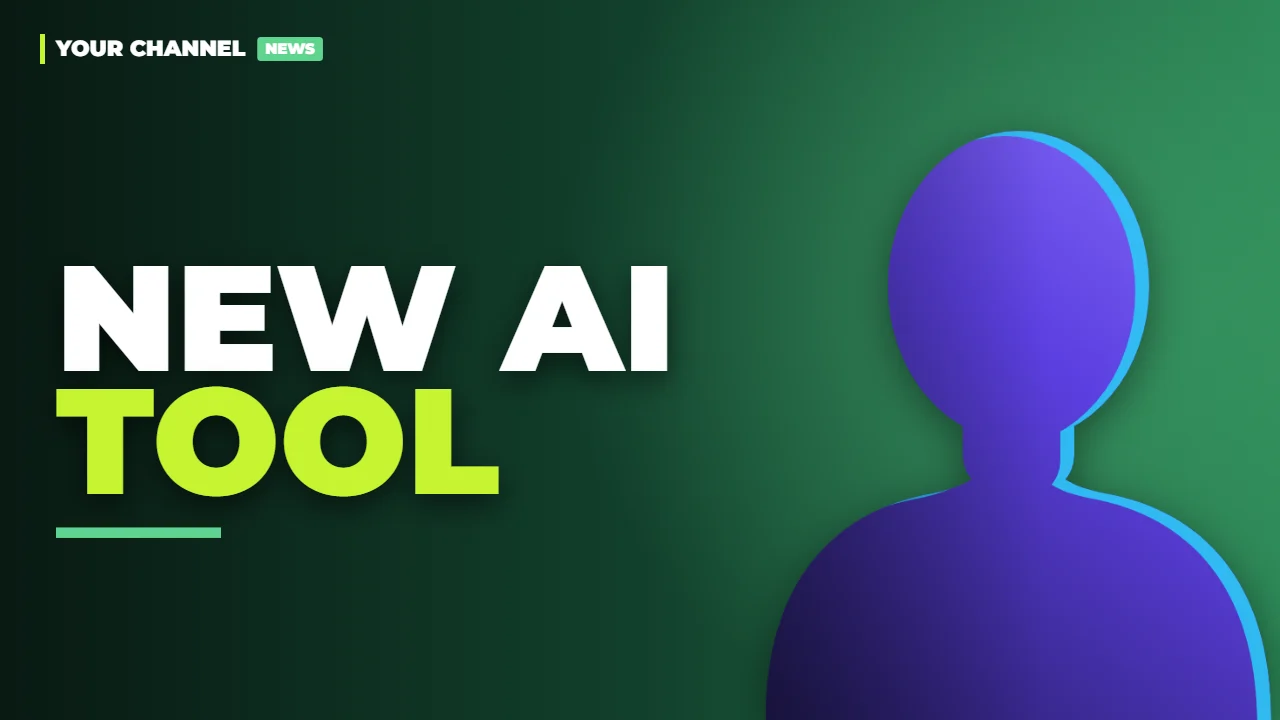
Six variants from one video title. The silhouette is where your own photo goes.
Your look, not ours
Layouts × colors = your style
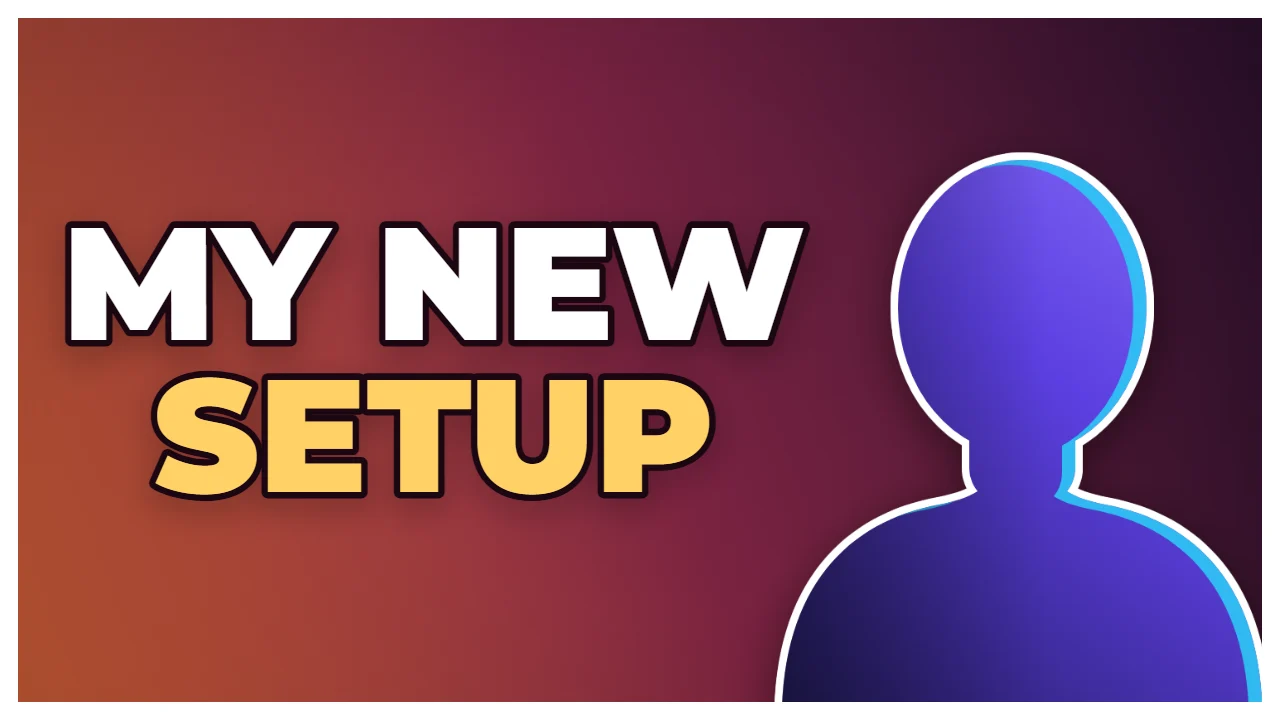
Four layouts and ten ready-made color palettes you can mix freely. Or choose your own colors – or upload your logo or an old thumbnail and let it pick matching ones. It warns you if a headline would be hard to read on a phone.


Built for small channels
The details that save you time
- It looks like youYour real photo, not an AI persona. No plastic skin, no extra fingers, no stranger's face.
- Your photos stay with youThe background is removed right in your browser. Your photos don't have to be uploaded anywhere.
- Fix the cutout in secondsErase leftovers or paint back a missing hand with a simple brush.
- Icons and objectsDrop in a logo or product and drag it into your hand – it follows you in every variant.
- Left or rightPut yourself on the side where your gesture points at the headline.
- Ready for YouTubeDownload 1280×720 PNGs and upload them straight away.
- A still from your videoDrop in your video and get the sharpest frames suggested – or scrub to any moment. The video never leaves your computer.
- No face? No problemYour car, your product, your game – use your own image as the main picture, with your text style on top.
- Readable on a phoneMost viewers see thumbnails tiny on a phone. Preview at that size – and when your own image is the main picture, the text gets a dark fade so it stays readable.
Pricing
Priced for small channels
Free while in beta – no card needed. After the beta, a whole pack will cost less than a single thumbnail from a designer. Pay once, use it whenever you post.
- No subscription, no monthly fee
- No free trial that turns into a bill
- Thumbnails in your pack never expire
- Your style is saved between packs
FAQ
Questions
Is this an AI image generator?
No. Your thumbnails are built from your own photo and your own style. Software handles the tedious parts – removing the background and suggesting short headlines – but the result is your design, not a generated image.
Why is it so cheap?
The heavy work – removing the background and drawing the thumbnails – runs on your own computer, in your browser. That means almost no server cost per thumbnail, so there's no reason to charge you like a big subscription service.
Will it really look like me?
Yes – it uses your own photo. Nothing about your face is generated or changed; the background is simply removed and you're placed in your style.
Do my photos or videos get uploaded?
No. Background removal and picking stills from a video both run in your browser, on your own computer, so your photos and videos don't leave your device.
What do I need?
A photo of yourself facing the camera (a phone photo works) – or no face at all: a still from your video or any image of your own. And a web browser; nothing to install. It works best on a computer.
Can I use my own fonts and colors?
Colors: yes – pick your own, or let it read them from your logo. More fonts and layouts are planned.
When can I use it?
Right now. Arqen Thumbnail is in free beta – sign in with your email and make as many thumbnails as you like. Try the free beta.
Better thumbnails, small price
Arqen Thumbnail is free while in beta. Try it on your next video – all you need is a photo and a title.